Sensitive data under your control
Credentials and other sensitive data are protected with encryption. Server Manager is designed to simplify everyday server administration without unnecessary compromises in security.
 CH-J Server Managerserver management over SSH
CH-J Server Manager is a cross-platform tool for managing SSH connections, server profiles and remote systems. It brings servers, credentials, terminal sessions, SFTP and related tools together in one application.
One workspace for connections, everyday administration and the tools you need when working with remote systems.
Credentials and other sensitive data are protected with encryption. Server Manager is designed to simplify everyday server administration without unnecessary compromises in security.
Create and organize server profiles, save the required connection parameters and work with multiple systems from one clear interface.
Server Manager is designed as a cross-platform application, so you can use the same environment across different operating systems.
Core features bring connections, terminal sessions, files and secure credential storage into one workflow.
Connect to Linux and other SSH servers directly from the application. A unified environment makes working with multiple servers easier without constantly switching between separate tools.
Store servers in individual profiles and keep the required connection parameters available in one place.
Work with remote files over SFTP while using an SSH terminal within the same server profile.
Server profiles, saved SSH passwords and known host keys are protected by scrypt and AES-256-GCM. The master password is not stored on disk.
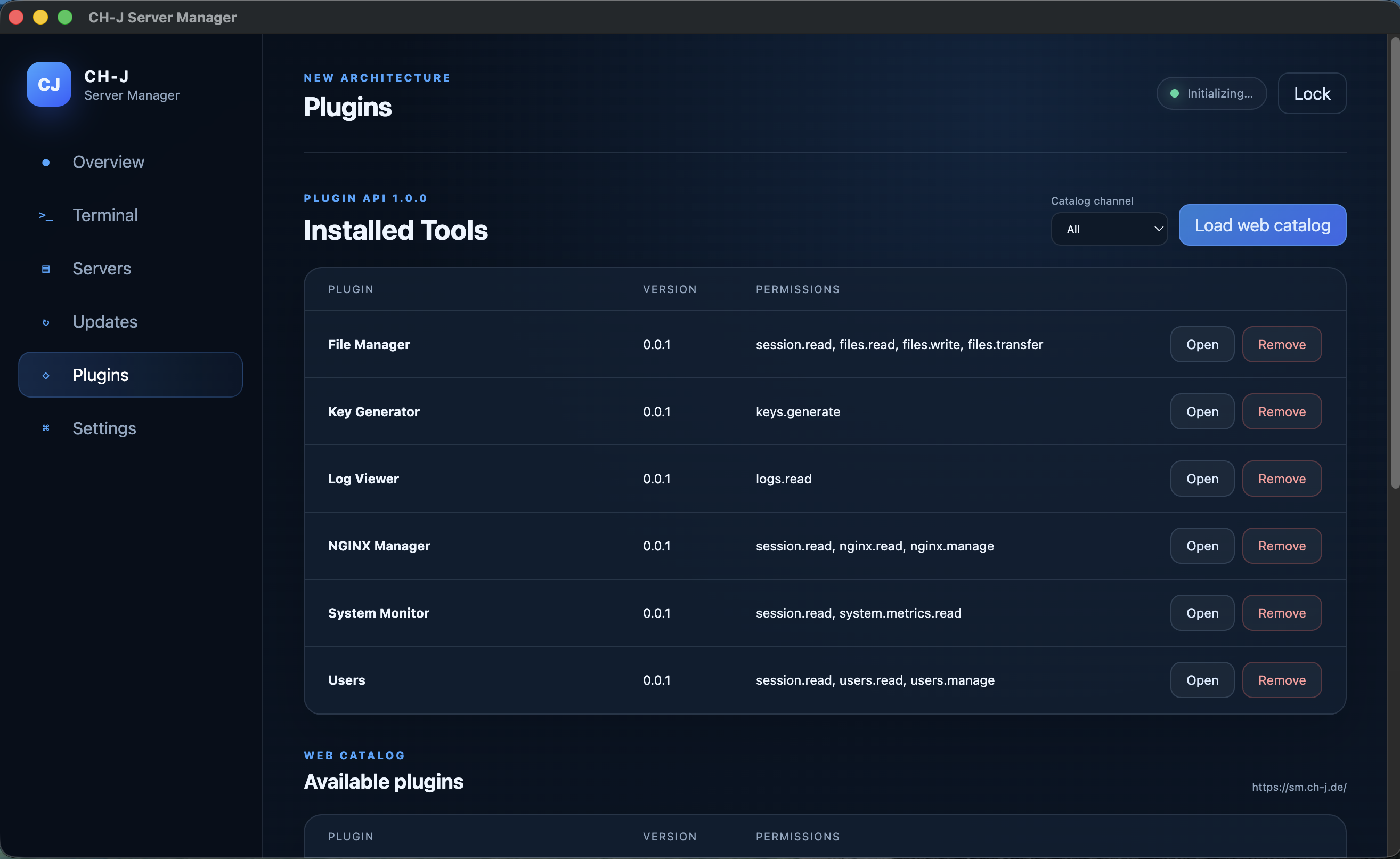
Extend the compact Core with separate plugins for monitoring, SFTP file management, SSH keys, logs, users or NGINX without modifying the base application.
Calculate local file hashes with 49 algorithms, verify expected digests, compare files, and create checksum manifests. Output supports HEX and Base64; file contents and digests are never uploaded.
All algorithms and capabilities →Probe ICMP, traceroute, DNS, HTTP/1.1/2/3, TLS and TCP without an SSH connection. Live results, local history and JSON/CSV/TXT exports.
Server Diagnostics →The remote editor detects concurrent changes and retains a recovery copy after failures. The terminal measures SSH RTT and ICMP ping separately.
Optional Touch ID, Windows Hello including PIN, and fingerprint authentication through fprintd. Master-password fallback, inactivity locking and optional focus locking.
CH-J Server Manager is available for Windows, macOS and Linux. The goal is to provide a consistent working environment regardless of the platform used to manage your servers.
Current installer availability and supported architectures are listed for each operating system in the download section below.A first-install package is not available for this system yet. Update packages are intentionally not offered here.
A first-install package is not available for this system yet. Update packages are intentionally not offered here.
A first-install package is not available for this system yet. Update packages are intentionally not offered here.
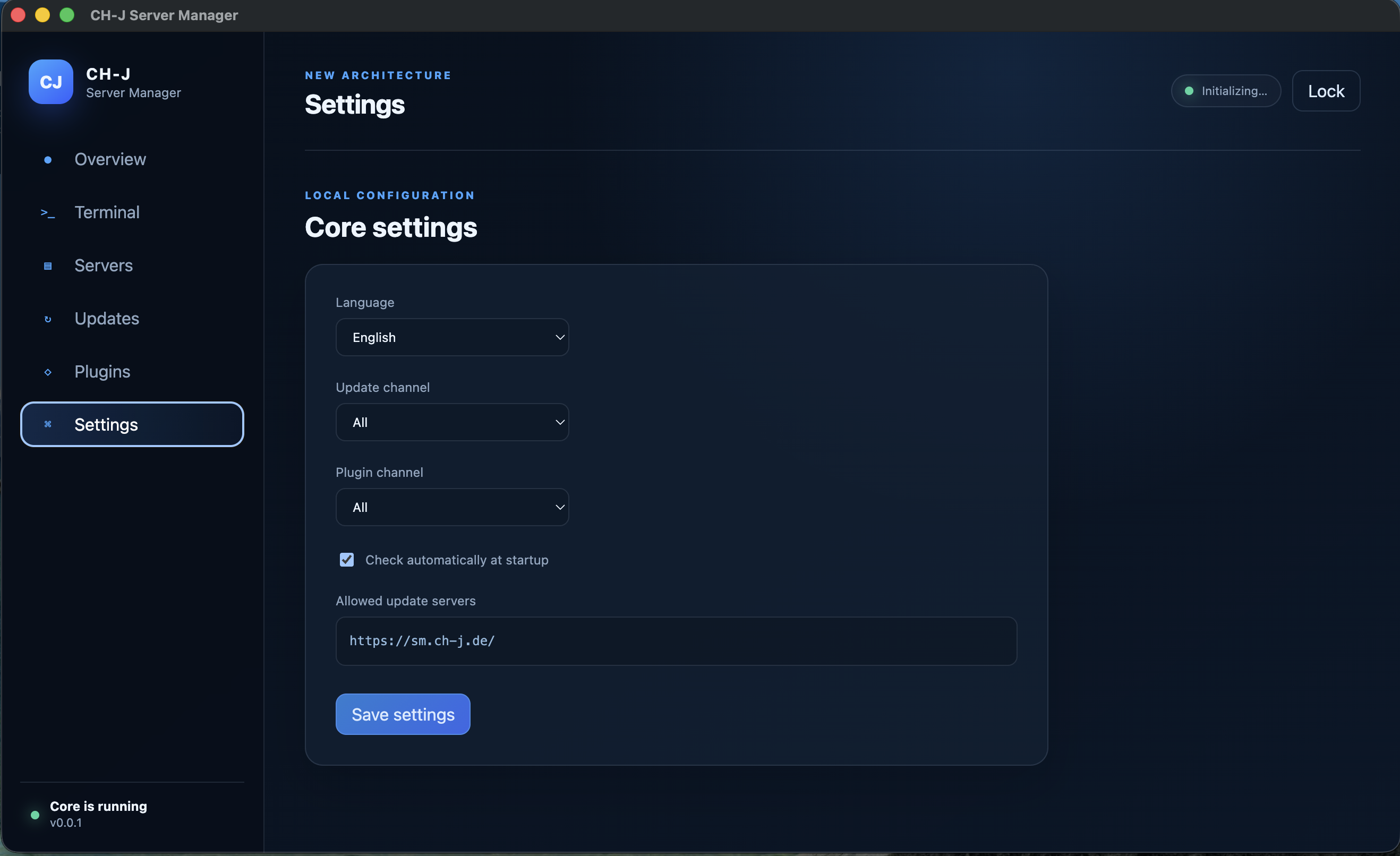
Real views of the current Core 0.0.1: the secure vault, SSH terminal, updates, plugins, and local settings.
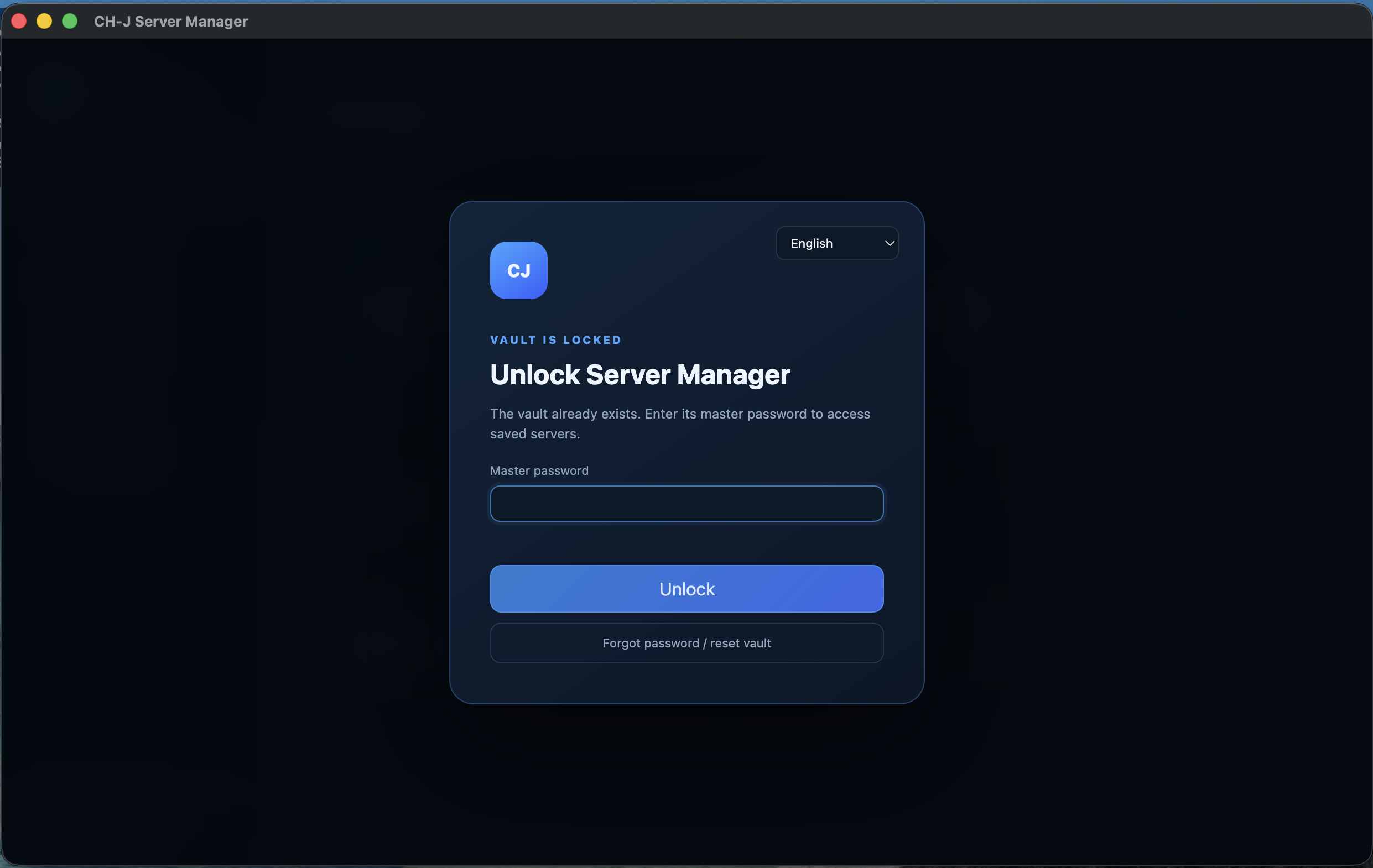
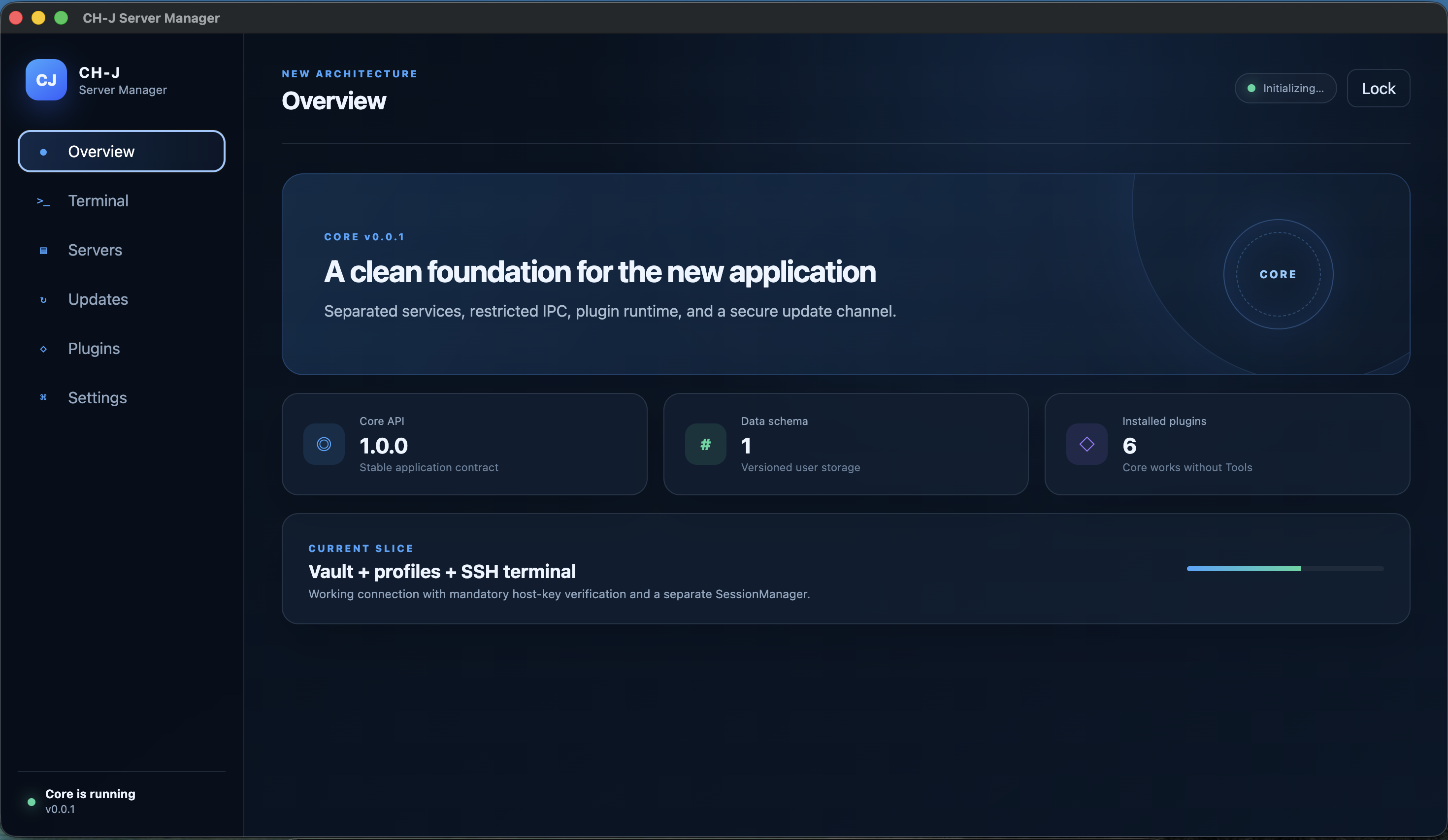
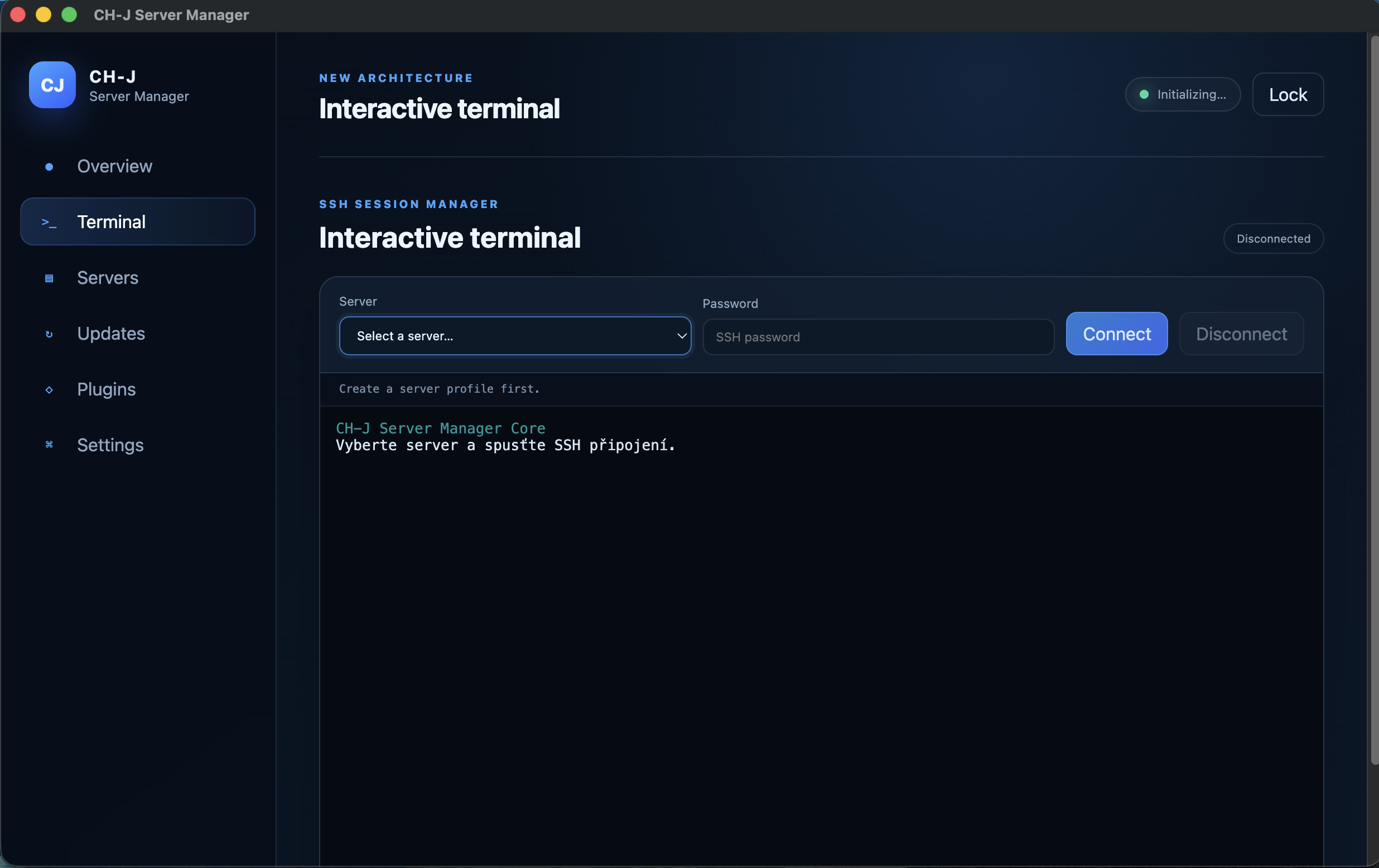
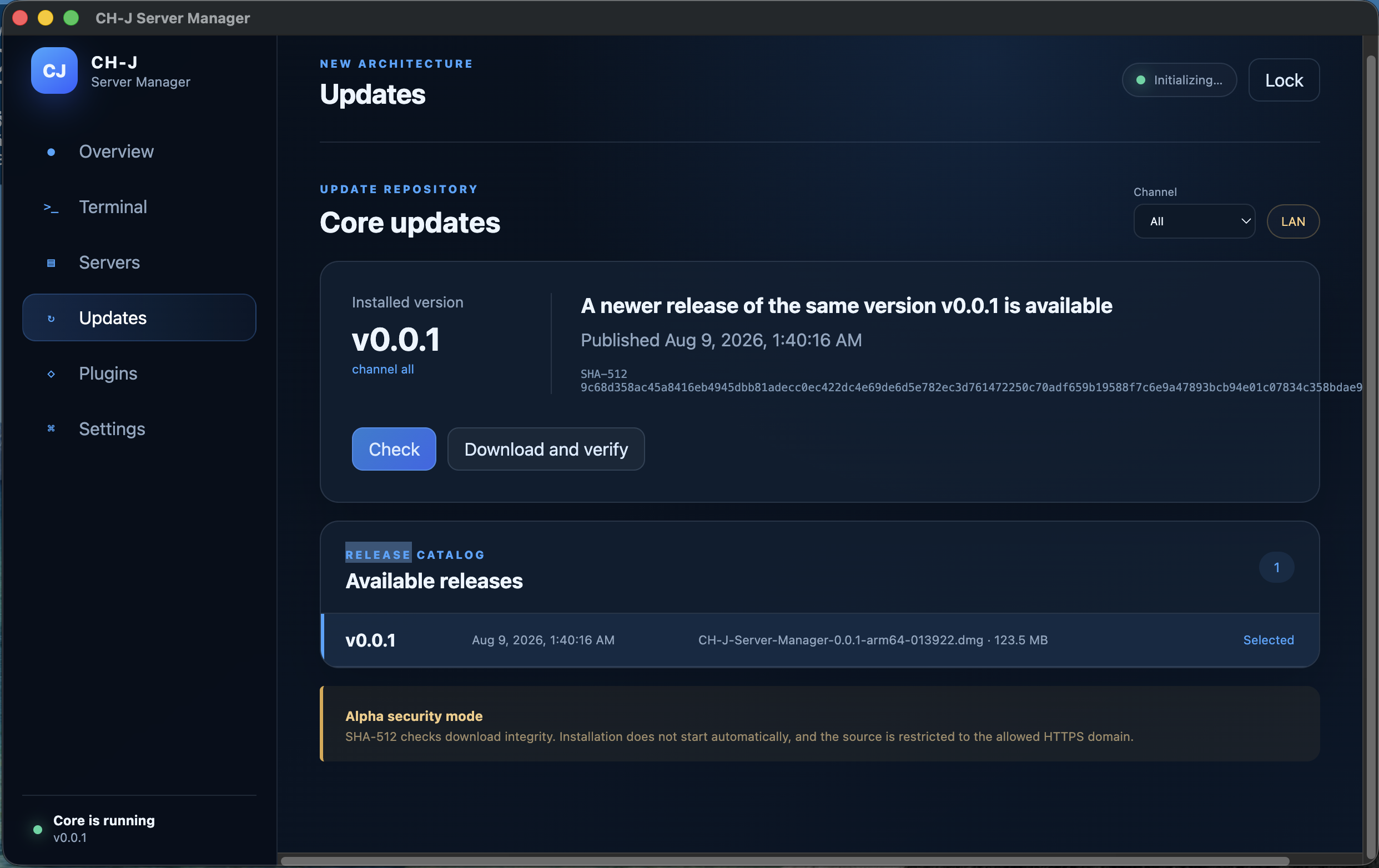
Concise answers about supported systems, connections, data storage and updates.
Yes. Commercial and non-commercial use of releases under the CH-J Proprietary Software License 1.14 is permitted without license fees indefinitely under its terms.
Current Alpha builds target Windows 11 x64, macOS on Apple Silicon (ARM64), and Ubuntu 24.04 LTS x64. Packages currently available are always listed in the Download section.
Yes. The application provides an interactive SSH terminal, connection profiles and authentication with a password or private SSH key.
Yes. The installable File Manager can browse, upload, download and edit remote files over SFTP in the context of a server profile.
Profiles, saved SSH passwords and known host keys are stored in a local encrypted vault. The master password is not stored on disk; with key authentication, the private key remains in the local file selected by the user.
No. You do not need a CH-J account to manage server profiles or SSH connections. The distribution server provides the catalog and downloads for the application, updates and plugins.
Yes. You can save each server in its own profile with separate parameters and reconnect to it from a single overview.
The application loads an HTTPS catalog of compatible releases for the selected channel. Before using an update package, it verifies the expected size and SHA-512 checksum.
The catalog contains available application builds, update history, and standalone extension packages.
We publish the file size and SHA-512 for every release. The application verifies an update package again after download and before launching it.